Screen Watermark Software for Text and Image Watermark
The Screen Watermark Software presented here allows you to display text and image watermarks on your computer screen. Screen Watermark displays a controllable semitransparent text or image on the screen at a configurable screen location. It can be configured to allow mouse clicks to pass through to the control above which the watermark is displayed. The watermark appears in captured screenshots so that the data, content, or control beneath the watermark is also marked with the watermark in the captured screenshot. The watermark can also be configured to automatically follow or relocate itself based on the position of a selected window. This Screen Watermark Software is designed for Windows and has been tested on Windows 11 and Windows 10 computers running on 64-bit architecture.
Free Trial Download of Screen Watermark Software
Download MurGee Screen Watermark Software to try all features for free. After the free trial of this digitally signed software, you can pay an activation fee of USD 9.87 and use it for up to 6 months on 1 computer. This software can be installed on Windows 11, Windows 10, or even the latest server editions of Microsoft Windows operating systems.
Features of Screen Watermark Software
Given below are a few of the features of this Screen Watermark Software. New features can be added upon request. You can either read the features below or take a look at the provided screenshots to easily learn everything about this software.
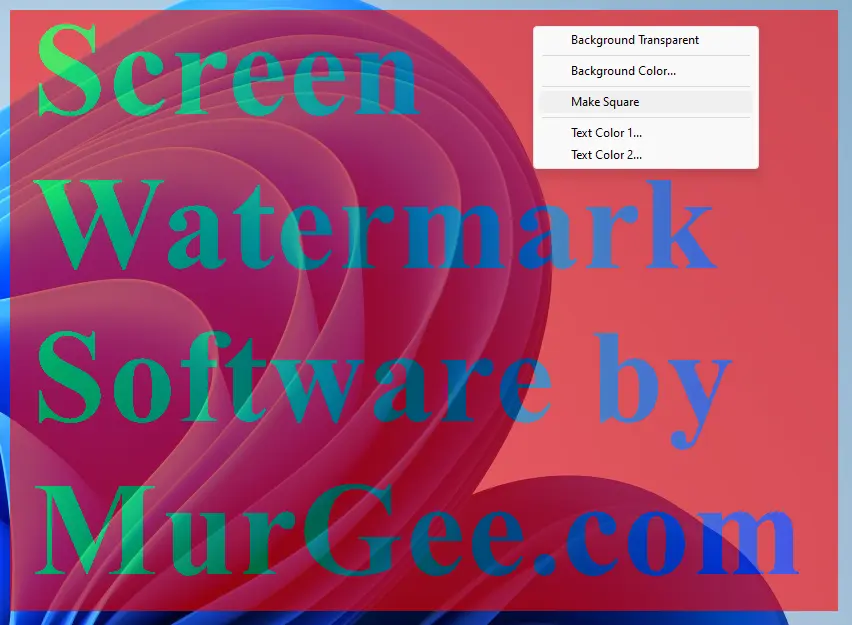
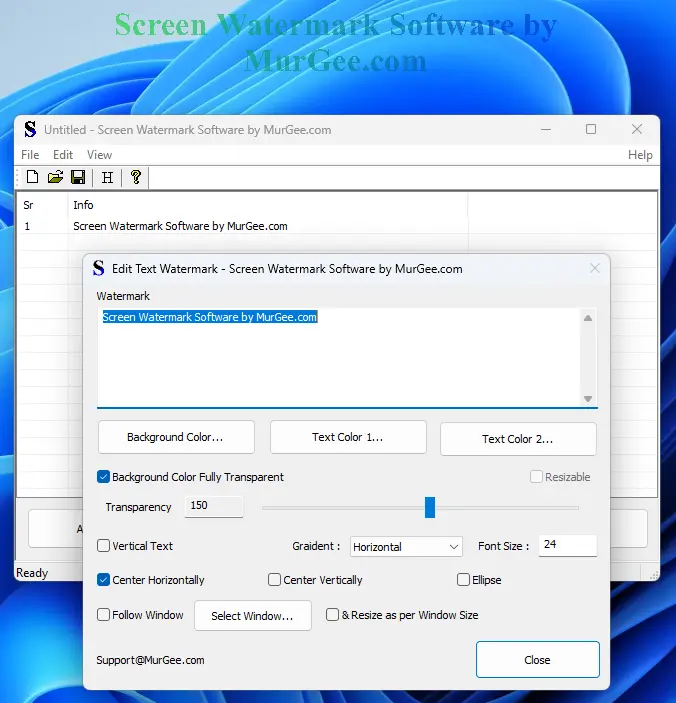
- Display text watermarks with configurable parameters like gradient color, font size, text direction, and transparency.
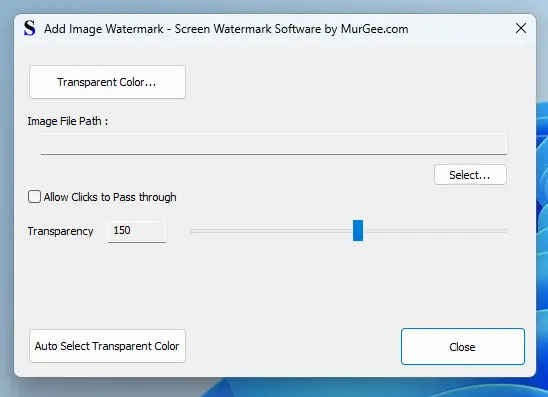
- You can display image watermarks with controlled transparency and allow mouse clicks to pass through. The image watermark window can be moved or dragged to any suitable screen position as well.
- Watermarks can be configured to follow the screen location of a selected window.
- Relocate watermarks to any desired screen location by dragging the watermark with the mouse cursor.
- Create a data file containing watermarks and reload the watermarks from the data file at a later date or time.
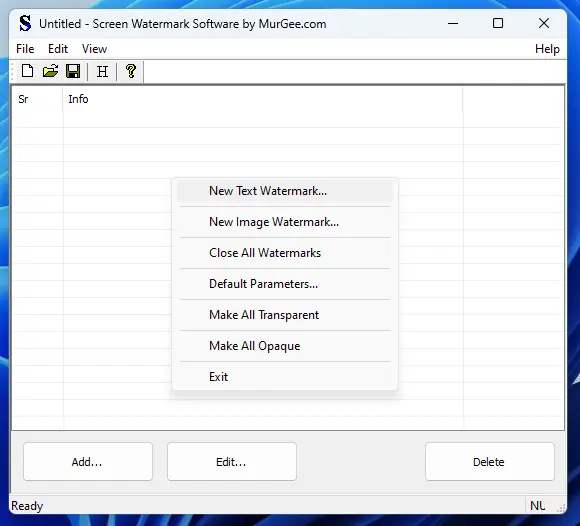
- Close all watermarks easily from the software menu.
- View the list of watermarks or edit any watermark from the software using the provided graphical user interface.
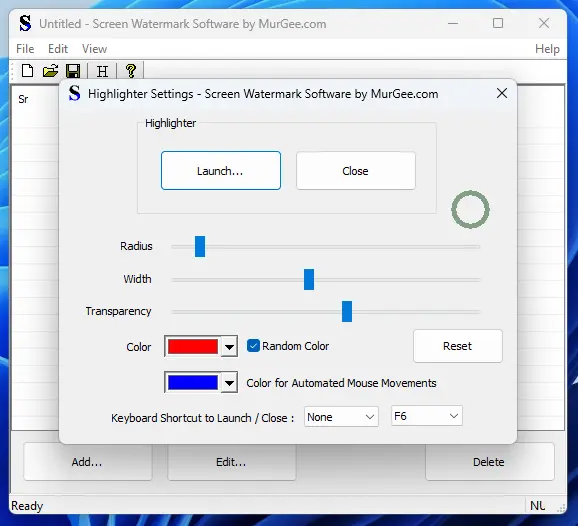
- Inbuilt configurable mouse cursor highlighter that follows the mouse cursor so you can easily locate its current position.
- You can create a rectangular image file in PNG format of a selected color and configurable dimensions for any suitable purpose.
- A transparent watermark with a single transparency color can be used to display a watermark while still allowing normal usage of the software application beneath it.
- A translucent watermark can be used to block content viewing in a specific rectangular screen area when recording the screen or capturing screenshots.
- With the inbuilt image creator, you can create a rectangular image in PNG format with your desired image dimensions. This can be really handy when you want to create an image file by editing it with an image editor for an image watermark.
- This Screen Watermark Software is digitally signed, contains no malware, has been scanned with multiple antiviruses using VirusTotal, and is bundled as an .msi file trusted by Microsoft SmartScreen. It requires a download of only around 1.52 MB.
Screenshots of Screen Watermark Software
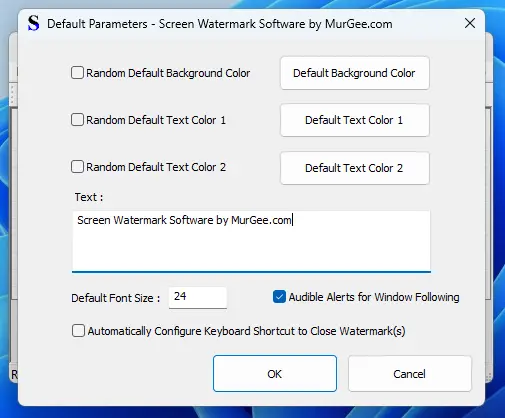
The screenshots given below display various features offered by this Screen Watermark Software. The screenshots can give you an idea of the features offered by this software and whether it can be of use for your purpose.